背景
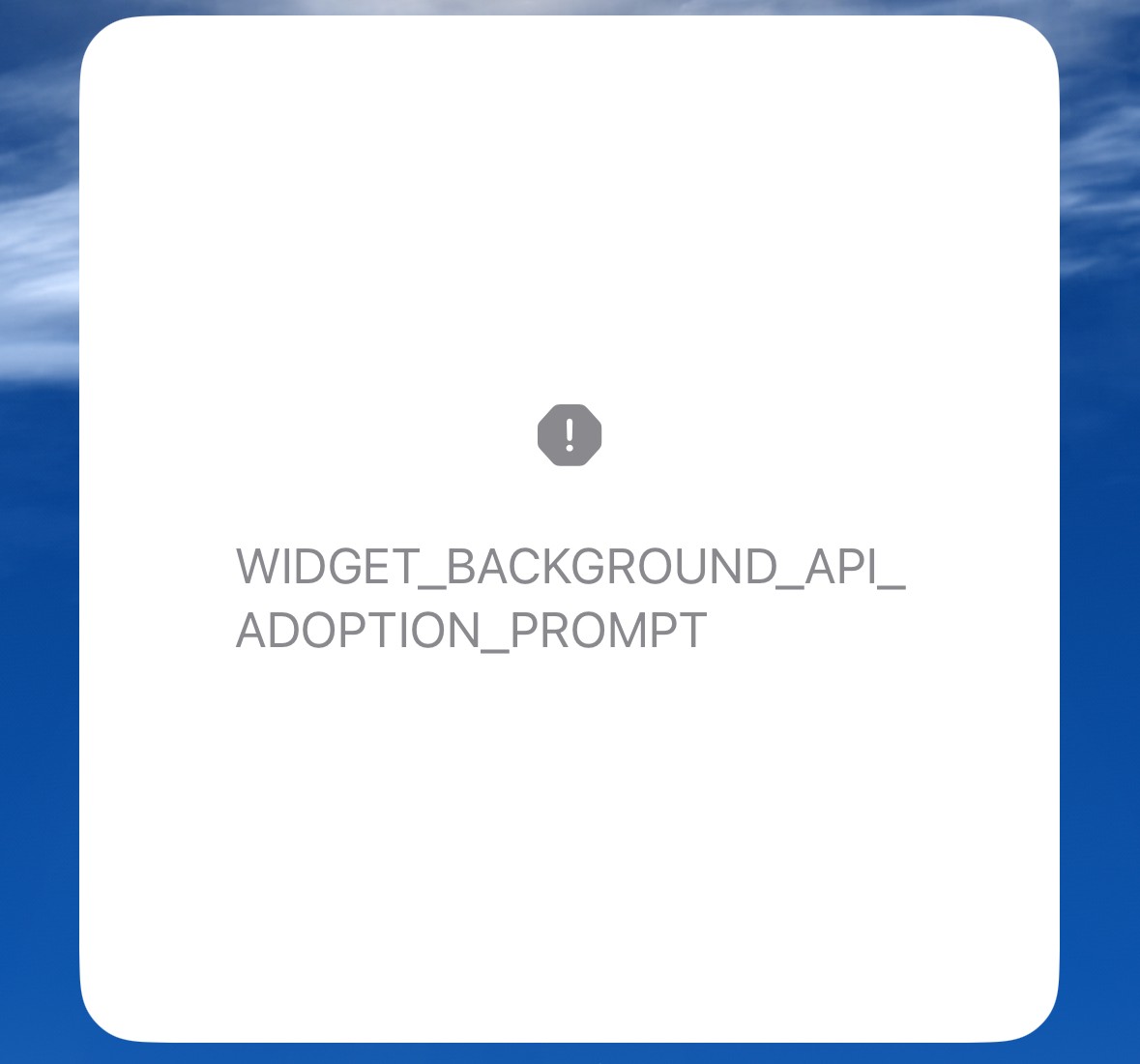
升级到 Xcode15 后,运行小组件,会出现WIDGET_BACKGROUND_API_ADOPTION_PROMPT的提示,如下图:
解决
创建View_Extensions.swift,代码如下:
1
2
3
4
5
6
7
8
9
10
11
12
13
|
import SwiftUI

extension View {
    @ViewBuilder func adoptableWidgetBackground(_ color: Color) -> some View {
        if #available(iOS 17.0, *) {
            containerBackground(for: .widget) { color }
        } else {
            background(color)
        }
    }
}
|
然后在XXXLineProvider中,找到 ZZZ_WidgetEntryView: View,修改如下:
1
2
3
4
5
6
7
8
9
|
struct ZZZ_WidgetEntryView: View {
var body: some View {
...
.adoptableWidgetBackground(Color.clear)
}
}
|
再次运行,发现这个提示已经消失,小组件可以显示出来;但是还有个问题——如果小组件背景是图片的,会发现周边加了一圈白色边框,解决方法如下,创建 WidgetConfiguration_Extensions.swift:
1
2
3
4
5
6
7
8
9
10
11
12
13
|
import SwiftUI

extension WidgetConfiguration {
    func adoptableWidgetContentMargin() -> some WidgetConfiguration {
        if #available(iOSApplicationExtension 15.0, *) {
            return contentMarginsDisabled()
        } else {
            return self
        }
    }
}
|
然后在XXXLineProvider中,找到 ZZZWidget: Widget,修改如下:
1
2
3
4
5
6
7
8
9
10
11
12
13
|
struct ZZZWidget: Widget {
public var body: some WidgetConfiguration {
IntentConfiguration(...) { entry in
...
}
.configurationDisplayName("displayName")
.supportedFamilies([WidgetFamily.systemMedium])
.adoptableWidgetContentMargin()
}
}
|
再次运行即可解决。
参考