ListView是滚动列表,类似于iOS中ScrollView,可横向、纵向滚动,内容不限。
ListView的使用
ListView的使用很简单,但是需要多多练习;
ListView的使用,通过设置children来实现,children中的Item为Widget对象。
纵向滚动
代码如下:
1
2
3
4
5
6
7
8
9
10
11
12
13
14
15
16
17
18
19
20
21
22
23
24
25
26
27
28
29
30
31
32
33
34
35
36
37
38
39
|
class MyApp extends StatelessWidget {
    @override
    Widget build(BuildContext context) {
        return MaterialApp(
            title: 'ListView Learn',
            home: Scaffold(
                appBar: new AppBar(
                    title: new Text('ListView Widget')
                ),
                body: new ListView(
                    children: <Widget>[
                      Container(
                        height: 50,
                        color: Colors.orangeAccent,
                        child: const Center(
                          child: Text('Entry A'),
                        ),
                      ),
                      Container(
                        height: 50,
                        color: Colors.lightGreenAccent,
                        child: const Center(
                          child: Text('Entry B'),
                        ),
                      ),
                      new ListTile(
                        leading: new Icon(Icons.access_time),
                        title: new Text('access_time'),
                      ),
                      new Image.network(
                          'https://inews.gtimg.com/newsapp_ls/0/13792660143/0.jpeg')
                    ],
                )
            )
        );
    }
}
|
效果如下:

横向滚动
ListView的scrollDirection控制滑动方向
代码如下
1
2
3
4
5
6
7
8
9
10
11
12
13
14
15
16
17
18
19
20
21
22
23
24
25
26
27
28
29
30
31
32
33
34
35
36
37
38
39
40
41
42
|
class MyList extends StatelessWidget {
  @override
  Widget build(BuildContext context) {
    return ListView(scrollDirection: Axis.horizontal, children: [
      new Container(
        width: 180.0,
        color: Colors.lightBlue,
      ),
      new Container(
        width: 180.0,
        color: Colors.lightGreen,
      ),
      new Container(
        width: 180.0,
        color: Colors.orange,
      ),
      new Container(
        width: 180.0,
        color: Colors.orangeAccent,
      )
    ]);
  }
}

class MyApp extends StatelessWidget {
  @override
  Widget build(BuildContext context) {
    return MaterialApp(
        title: 'Text Widget',
        home: Scaffold(
          body: Center(
            child: Container(
              height: 200.0,
              child: MyList(),
            ),
          ),
        ));
  }
}
|
效果如下:
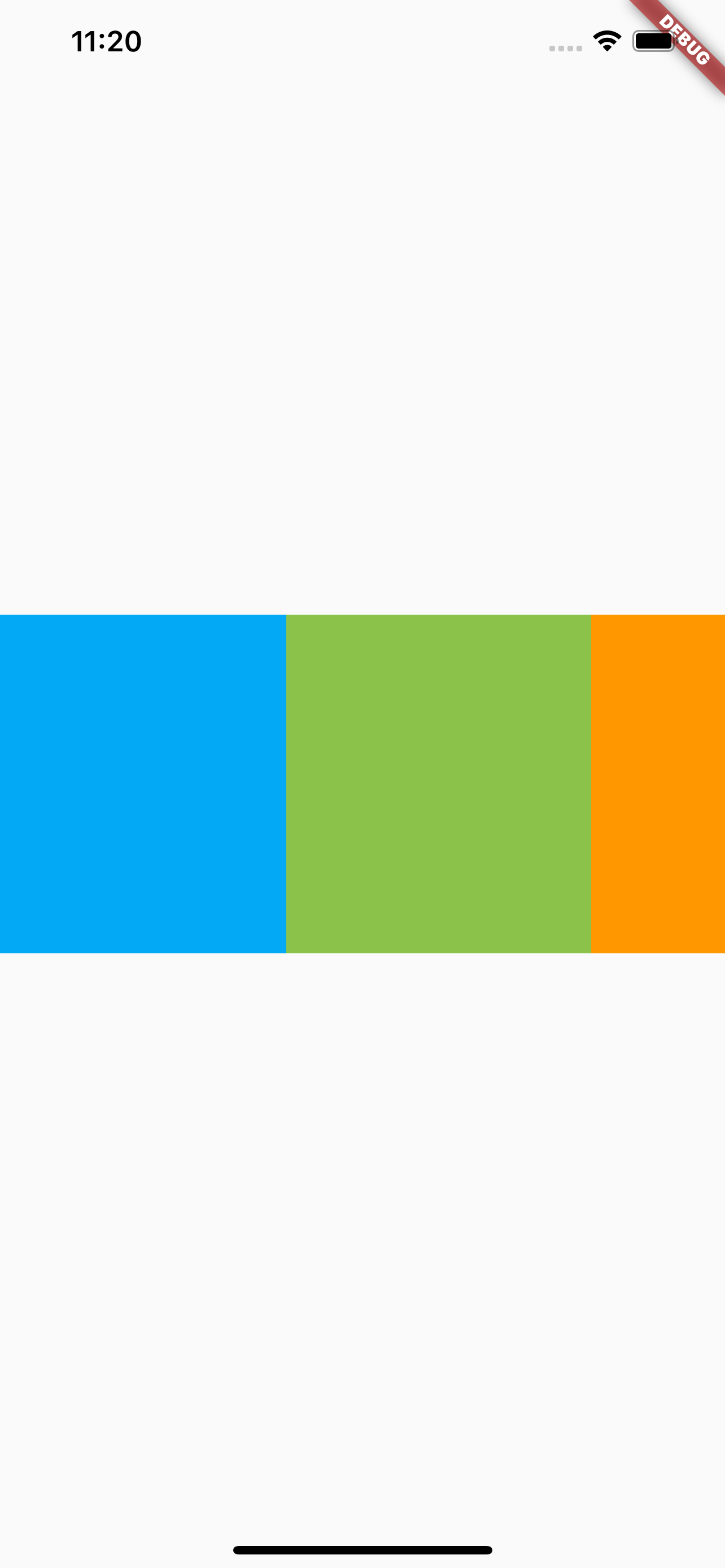
注意写法的不同,在这里自定义了一个MyList的Widget,然后在MyApp中使用MyList,就避免了在父视图嵌套太多的问题。
动态列表 ListView.builder()
使用动态列表需要先来看一下List类型,
List类型
List是集合类型,声明有几种方式,使用方式可以参考Swift中的Array
var myList = List(): 非固定长度的数组var myList = List(2): 长度为2的数组var myList = List<String>(): 创建一个String类型的数组var myList = [1, 2, 3]: 创建一个1、2、3的数组
也可以使用generate方法来生成List元素,比如
1
2
3
|
new List<String>.generate(1000,, (i) => "Item $i");
|
动态列表
代码如下:
1
2
3
4
5
6
7
8
9
10
11
12
13
14
15
16
17
18
19
20
21
22
23
24
25
26
27
28
29
30
31
32
33
34
35
36
37
38
39
40
41
42
43
44
45
|
class MyList extends StatelessWidget {
  final List<String> entries = <String>['A', 'B', 'C'];
  final List colors = [
    Colors.orangeAccent,
    Colors.lightBlueAccent,
    Colors.cyanAccent
  ];

  @override
  Widget build(BuildContext context) {
    return ListView.builder(
      padding: const EdgeInsets.all(8),
      itemCount: entries.length,
      itemBuilder: (BuildContext context, int index) {
        return Container(
          height: 50,
          color: colors[index],
          child: Center(
            child: Text('Entry ${entries[index]}'),
          ),
        );
      },
    );
  }
}

class MyApp extends StatelessWidget {
  @override
  Widget build(BuildContext context) {
    return MaterialApp(
        title: 'List Build Learn',
        home: Scaffold(
          appBar: new AppBar(
            title: new Text('List Build Learn'),
          ),
          body: Center(
            child: Container(
              child: MyList(),
            ),
          ),
        ));
  }
}
|
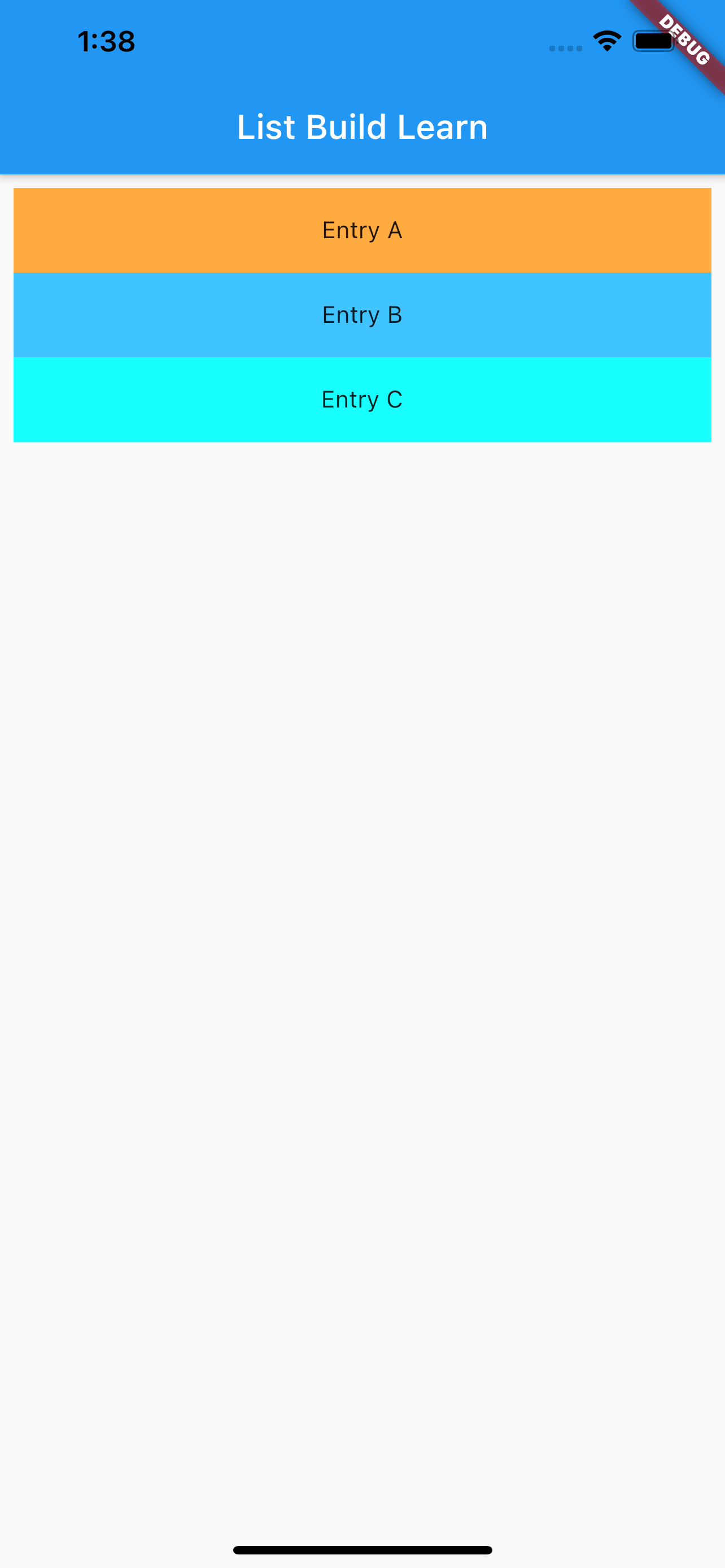
效果如下:
参考
ListView Dev Doc
Flutter免费视频第二季-常用组件