Flutter组件基础——Container Container是容器组件,类似于H5中的
标签,亦或者iOS中的UIView,是布局的基础控件。
Container包含属性 Container常用属性如下:
Container
child:子视图
alignment:子视图的对齐方式
topLeft:顶部左对齐
topCenter:顶部居中对齐
topRight:顶部右对齐
centerLeft:中间左对齐
center:中间对齐
centerRight:中间右对齐
bottomLeft:底部左对齐
bottomCenter:底部居中对齐
bottomRight:底部右对齐
color:背景颜色
width:宽度
height:高度
padding:子视图距Container的边距
margin:Container距父视图的边距
decoration:装饰
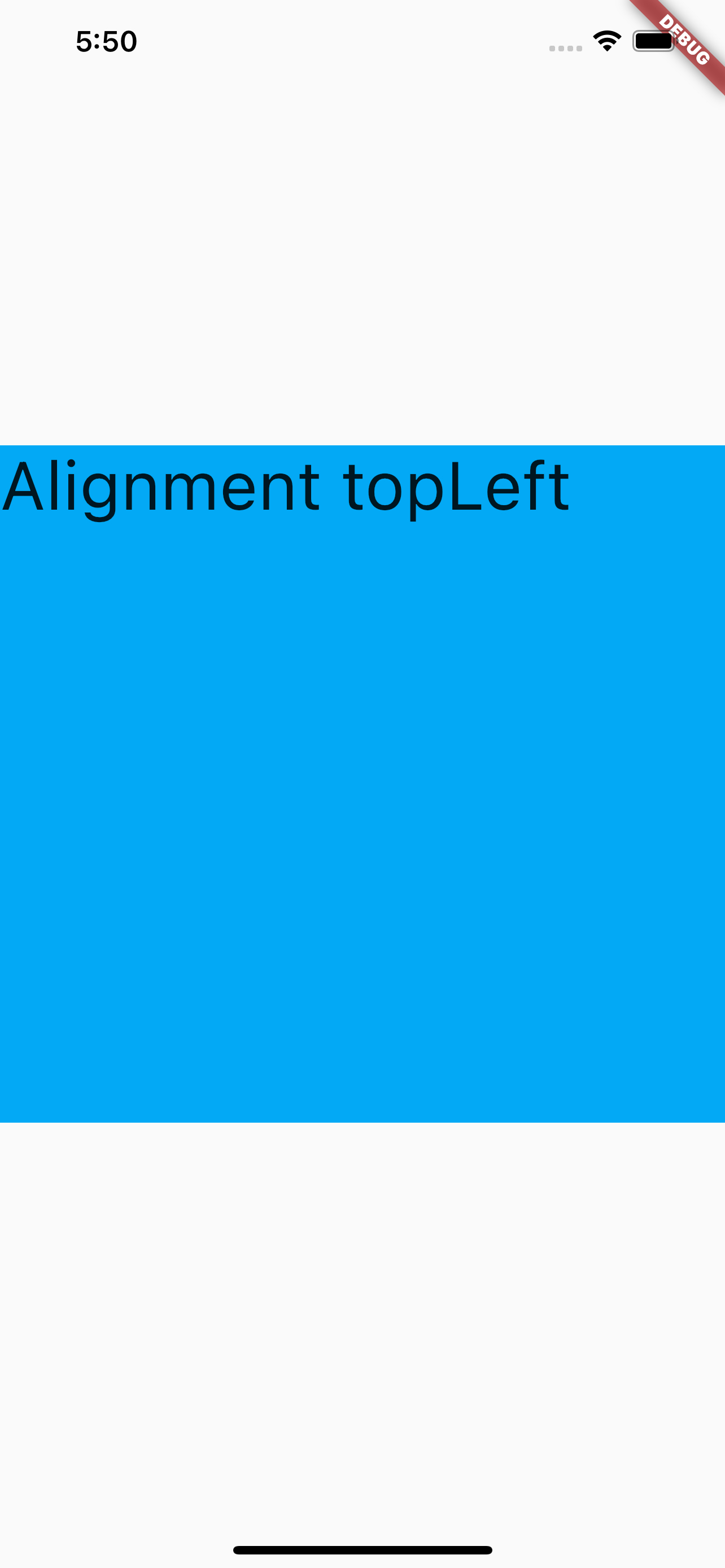
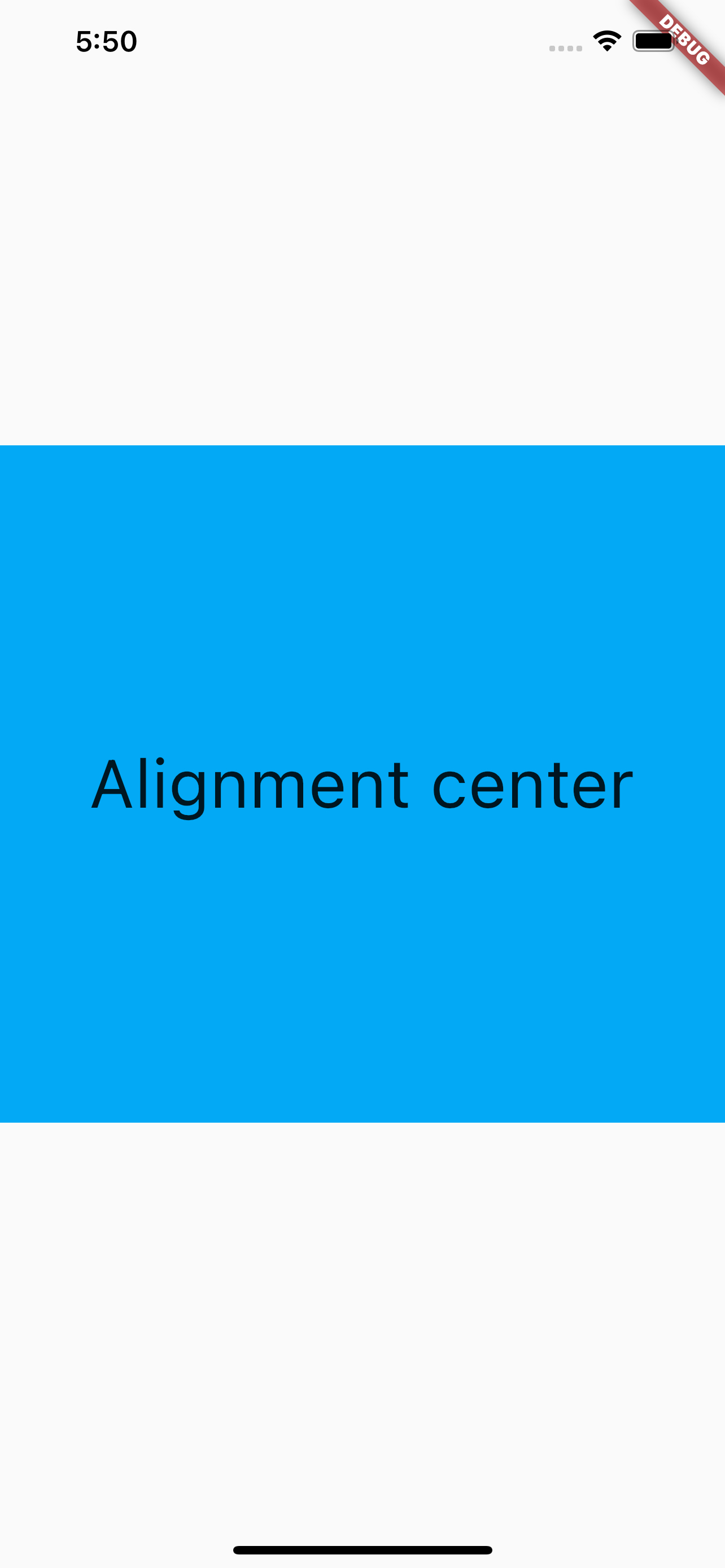
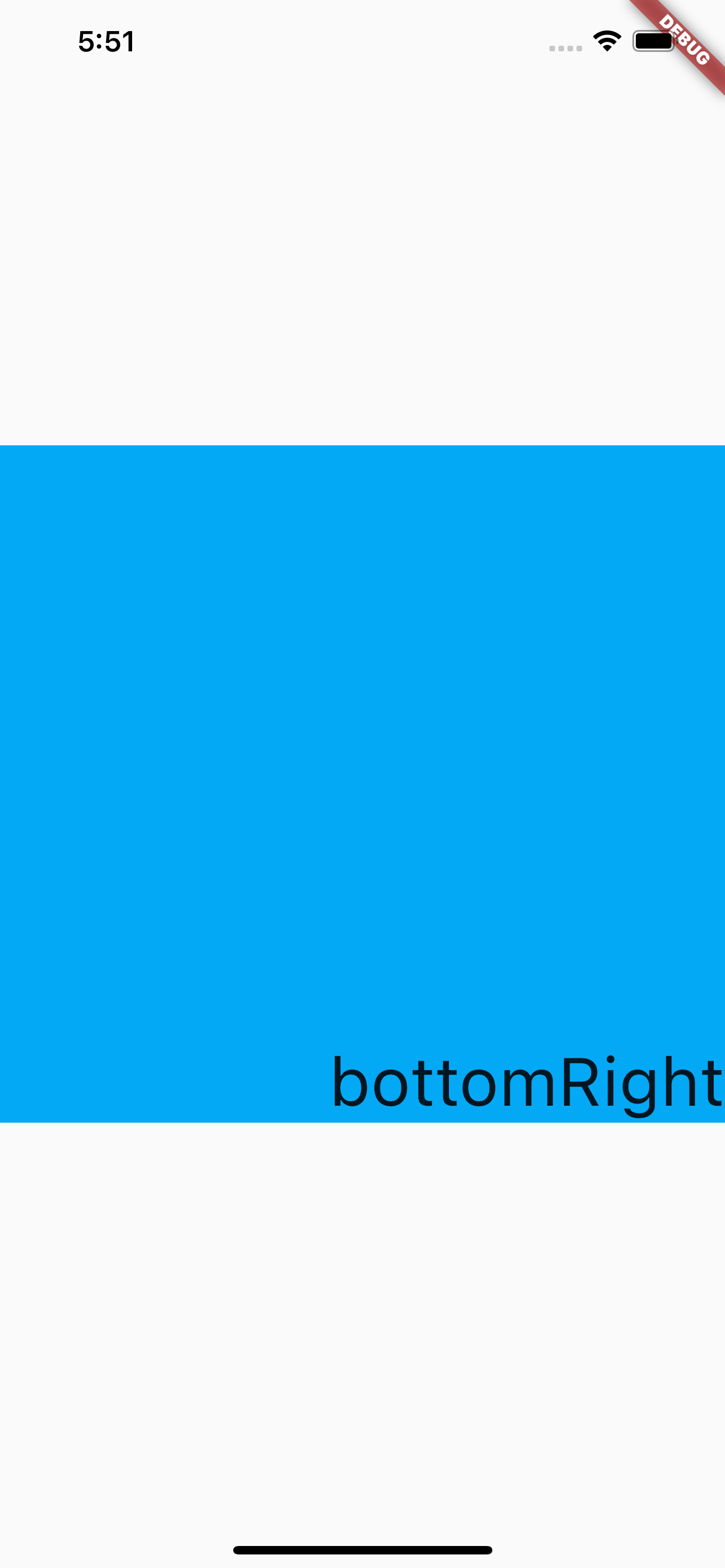
子视图对齐方式-alignment 1 2 3 4 5 6 7 8 9 10 11 12 13 14 15 16 17 18 19 20 21 22 23 24 class MyApp extends StatelessWidget @override Widget build (BuildContext context ) { return MaterialApp( title: 'Container Learn' , home : Scaffold( body: Center( child: Container( child: Text( 'Alignment center' , style : TextStyle(fontSize: 40.0 ), ), alignment : Alignment.center, width : 500.0 , height : 400.0 , color : Colors.lightBlue, ), ), ), ); } }
效果图如下:
Container宽、高 width和height的设置,直接是固定的值。
没有类似H5那种’100%’的设置。所以如果想要设置Container为屏幕宽高时,可以用以下的方法:
方法一:
1 2 3 4 5 6 7 8 9 10 11 12 import 'dart:ui' ;final width = window .physicalSize.width; final height = window .physicalSize.height; Container( color: Colors.red, width : width, child : Text("宽度有多宽" ), )
方法二:
1 2 3 4 5 6 7 Container( color: Colors.red, width : double.infinity, child : Text("宽度有多宽" ), )
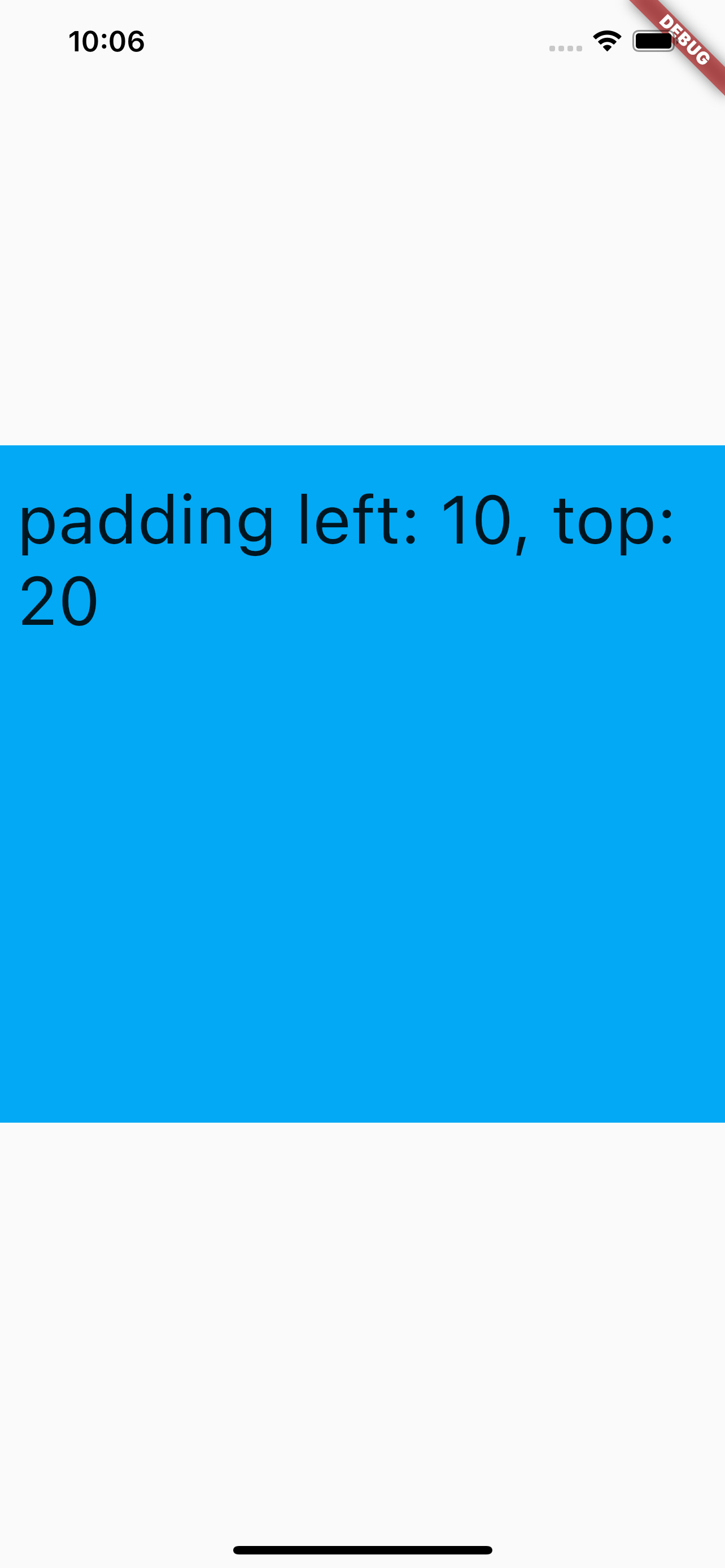
子视图距Container的边距-padding padding设置的是子视图,距Container的边距,两种设置方式,通常有两种设置方式,EdgeInsets.all常用于设置所有边距都一致;EdgeInsets.fromLTRB用于设置指定边距(LTRB对应的Left、Top、Right、Bottom)。代码如下:
1 2 3 4 5 6 7 8 9 10 11 12 13 14 15 16 17 18 19 20 21 22 23 24 25 26 class MyApp extends StatelessWidget @override Widget build (BuildContext context ) { return MaterialApp( title: 'Container Learn' , home : Scaffold( body: Center( child: Container( child: Text( 'padding left: 10, top: 20' , style : TextStyle(fontSize: 40.0 ), ), alignment : Alignment.topLeft, width : 500.0 , height : 400.0 , color : Colors.lightBlue, padding : const EdgeInsets.fromLTRB(10.0 , 20.0 , 0.0 , 0.0 ), ), ), ), ); } }
显示效果如下:
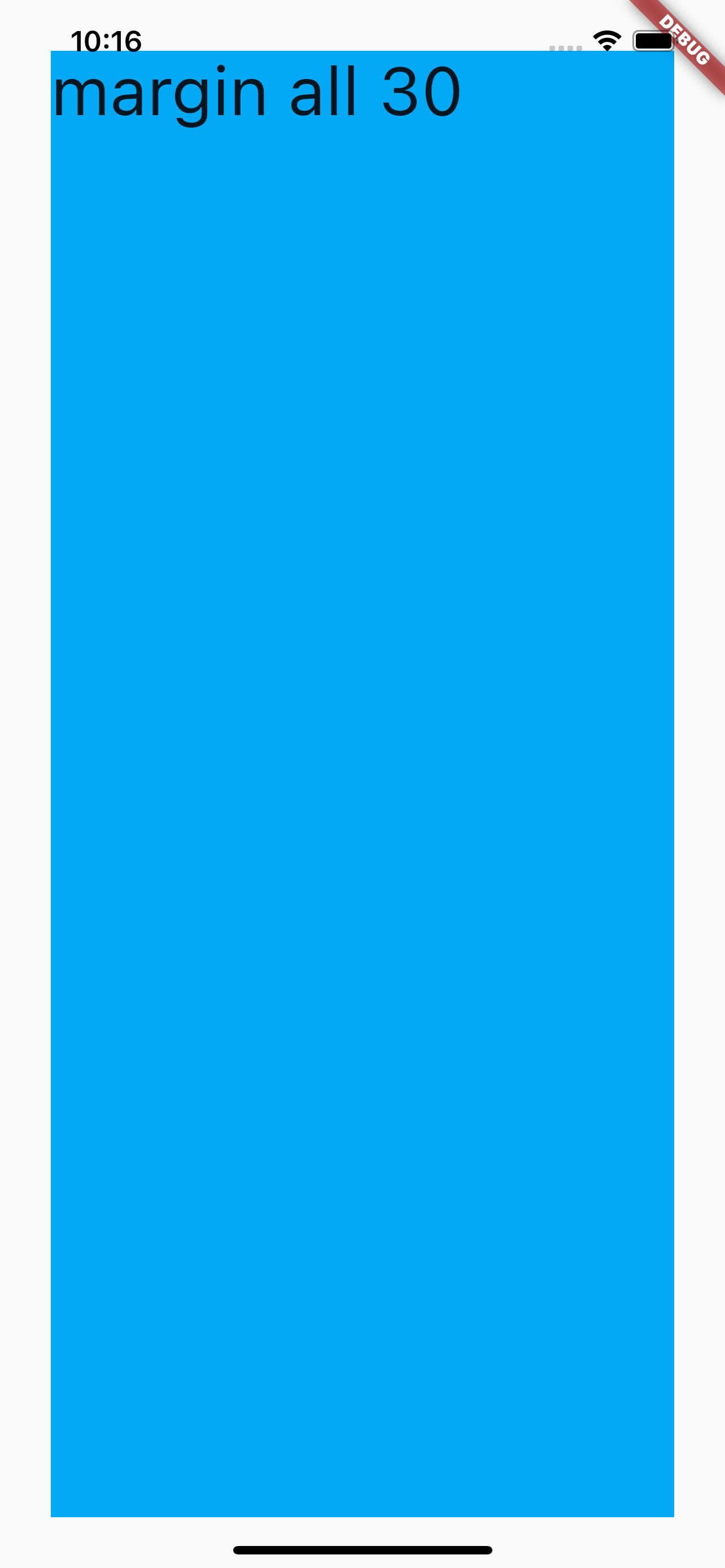
contianer距离父视图的边距-margin margin的设置和padding相同,效果对比,可以先注释width和height,代码如下:
1 2 3 4 5 6 7 8 9 10 11 12 13 14 15 16 17 18 19 20 21 22 23 24 25 26 27 class MyApp extends StatelessWidget @override Widget build (BuildContext context ) { return MaterialApp( title: 'Container Learn' , home : Scaffold( body: Center( child: Container( child: Text( 'margin all 30' , style : TextStyle(fontSize: 40.0 ), ), alignment : Alignment.topLeft, color : Colors.lightBlue, margin : const EdgeInsets.all(30.0 ), ), ), ), ); } }
效果如下:
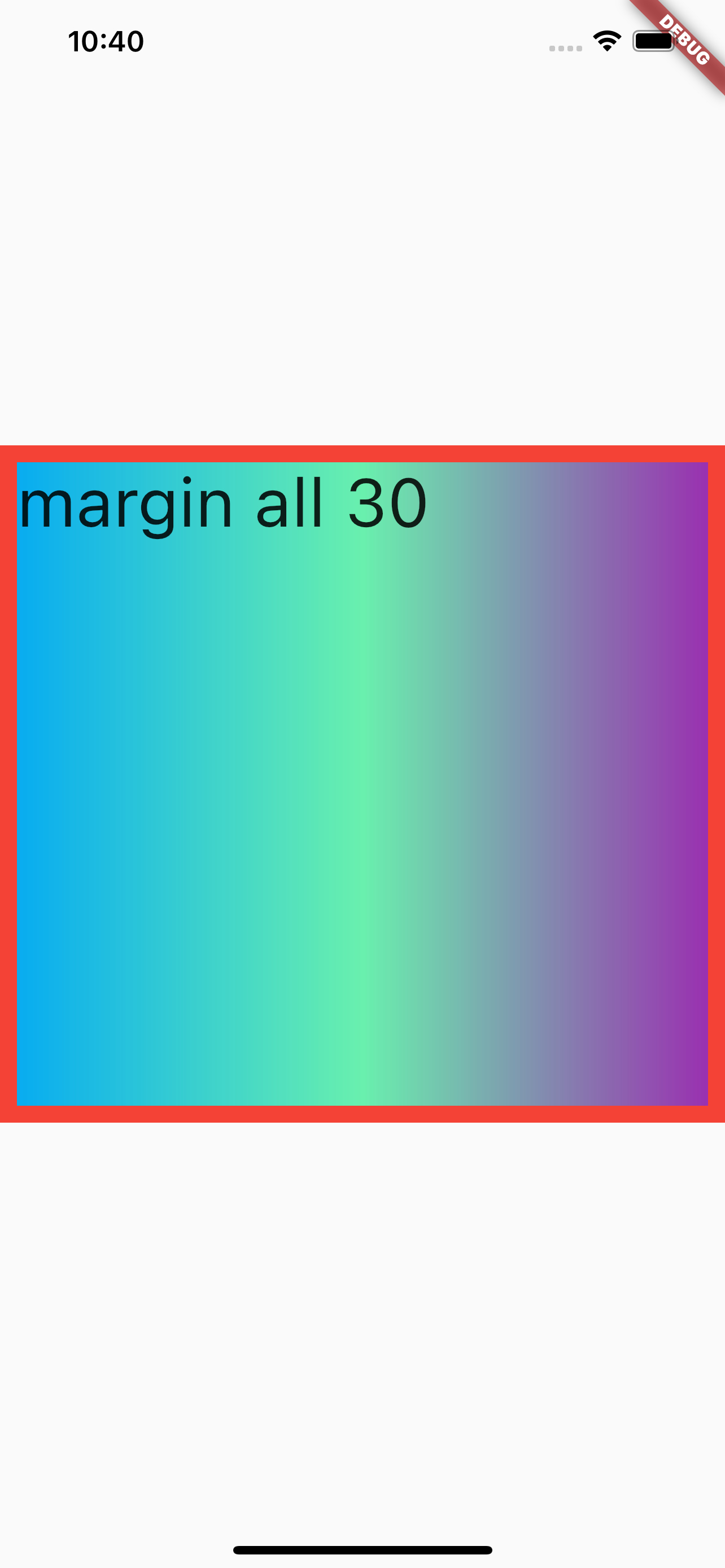
container的decoration decoration可用于设置背景色、背景渐变效果、边框效果等,需要注意decoration和color不能同时设置,如果需要设置,可以通过在decoration中设置color来实现,代码如下:
1 2 3 4 5 6 7 8 9 10 11 12 13 14 15 16 17 18 19 20 21 22 23 24 25 26 27 28 29 30 31 32 33 34 class MyApp extends StatelessWidget @override Widget build (BuildContext context ) { return MaterialApp( title: 'Container Learn' , home : Scaffold( body: Center( child: Container( child: Text( 'margin all 30' , style : TextStyle(fontSize: 40.0 ), ), alignment : Alignment.topLeft, width : 500.0 , height : 400 , decoration : BoxDecoration( gradient: const LinearGradient(colors: [ Colors.lightBlue, Colors.greenAccent, Colors.purple, ]), border : Border.all(width: 10.0 , color : Colors.red), color : Colors.lightBlue)), ), ), ); } }
效果如下:
报错: The following assertion was thrown building MyApp(dirty):
报错代码如下:
1 2 3 4 5 6 7 8 9 10 11 12 13 14 15 16 17 18 19 20 21 22 23 24 25 26 27 28 29 30 31 class MyApp extends StatelessWidget @override Widget build (BuildContext context ) { return MaterialApp( title: 'Container Learn' , home : Scaffold( body: Center( child: Container( child: Text( 'Container Text' , style : TextStyle(fontSize: 40.0 ), ), alignment : Alignment.topLeft, color : Colors.lightBlue, padding : const EdgeInsets.fromLTRB(10.0 , 30.0 , 0.0 , 0.0 ), margin : const EdgeInsets.all(30.0 ), decoration : BoxDecoration( gradient: const LinearGradient(colors: [ Colors.lightBlue, Colors.greenAccent, Colors.purple, ]), border : Border.all(width: 10.0 , color : Colors.red)), ), ), ), ); } }
原因:Container的color和decoration不能同时设置,如果需要设置这两个,可以通过设置BoxDecoration(color: color)来实现
参考 Flutter Conatiner Doc Flutter免费视频第二季-常用组件
本博客所有文章除特别声明外,均采用 CC BY-NC-SA 4.0 许可协议。转载请注明来源 今是昨非的博客 !