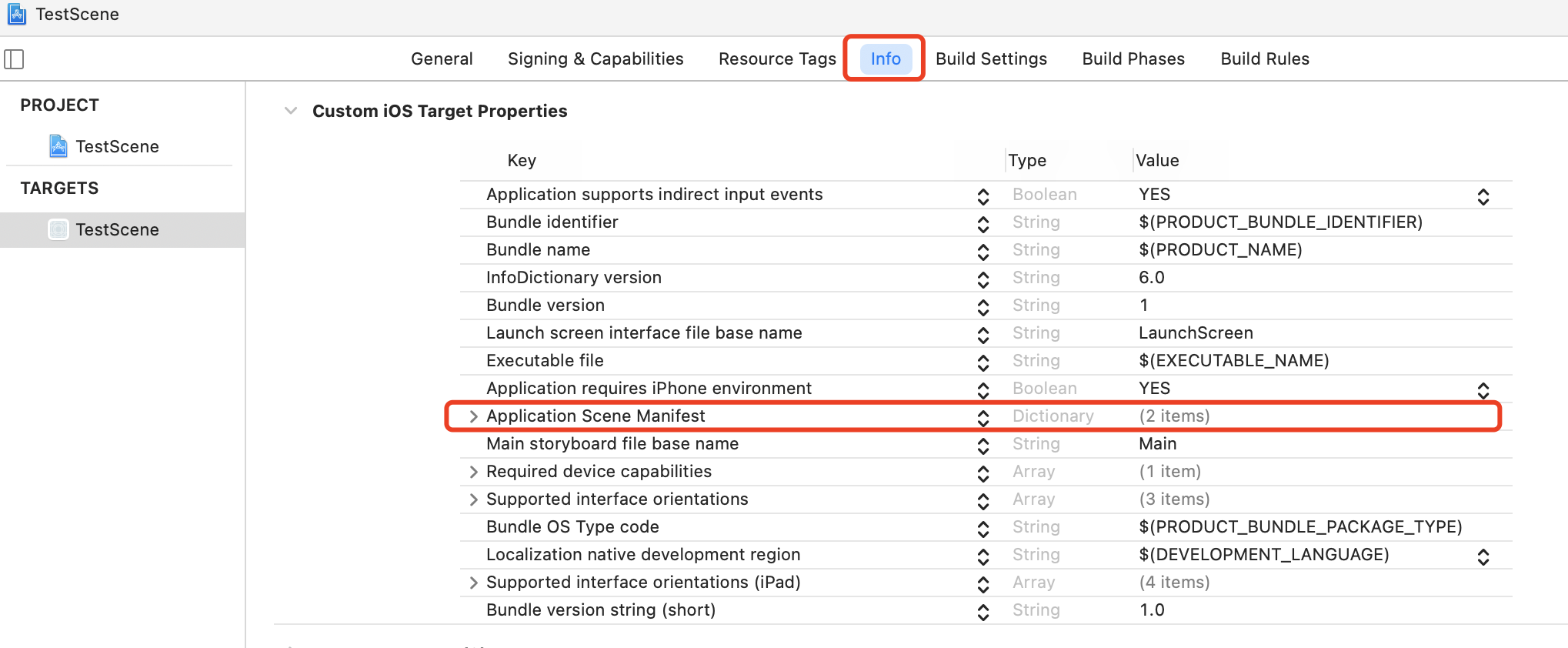
A UISceneSession object manages a unique runtime instance of your scene. When the user adds a new scene to your app, or when you request one programmatically, the system creates a session object to track that scene. The session contains a unique identifier and the configuration details of the scene. UIKit maintains the session information for the lifetime of the scene itself, destroying the session in response to the user closing the scene in the app switcher. You do not create session objects directly. UIKit creates sessions in response to user interactions with your app. You can also ask UIKit to create a new scene and session programmatically by calling the requestSceneSessionActivation(_:userActivity:options:errorHandler:) method of UIApplication. UIKit initializes the session with default configuration data based on the contents of your app’s Info.plist file.
func application(_ application: UIApplication, configurationForConnecting connectingSceneSession: UISceneSession, options: UIScene.ConnectionOptions) -> UISceneConfiguration { // Called when a new scene session is being created. // Use this method to select a configuration to create the new scene with. return UISceneConfiguration(name: "Default Configuration", sessionRole: connectingSceneSession.role) }
func application(_ application: UIApplication, didDiscardSceneSessions sceneSessions: Set<UISceneSession>) { // Called when the user discards a scene session. // If any sessions were discarded while the application was not running, this will be called shortly after application:didFinishLaunchingWithOptions. // Use this method to release any resources that were specific to the discarded scenes, as they will not return. } }